What do you want to master today?
Upload your notes, PDFs, and images. Turn them into organized notes, flashcards, and quizzes with AI.
.Upload your notes, PDFs, and images. Turn them into organized notes, flashcards, and quizzes with AI.
What do you want to master today?
Upload your notes, PDFs, and images. Turn them into organized notes, flashcards, and quizzes with AI.
Record a lecture straight from your pocket, or upload any audio or video file. Studia smart-transcribes it, fixes what was misheard using context, and turns it into notes, flashcards, quizzes, podcasts and a tutor chat — in any language.
Big, friendly learning for grade 5 and below.

Math explained, solved and practised from your own material.
Simpler language and a clearer workspace for grades 6–8.
Understand diagrams, worksheets and handwritten pages.
Structured, exam-ready notes generated from your own deck.
Active-recall cards with a focused study mode and mastery tracking.
A tutor grounded in your uploaded deck, with page references.
Turn your material into a natural two-person conversation.
Practice tests with explanations, results and weak-topic analysis.
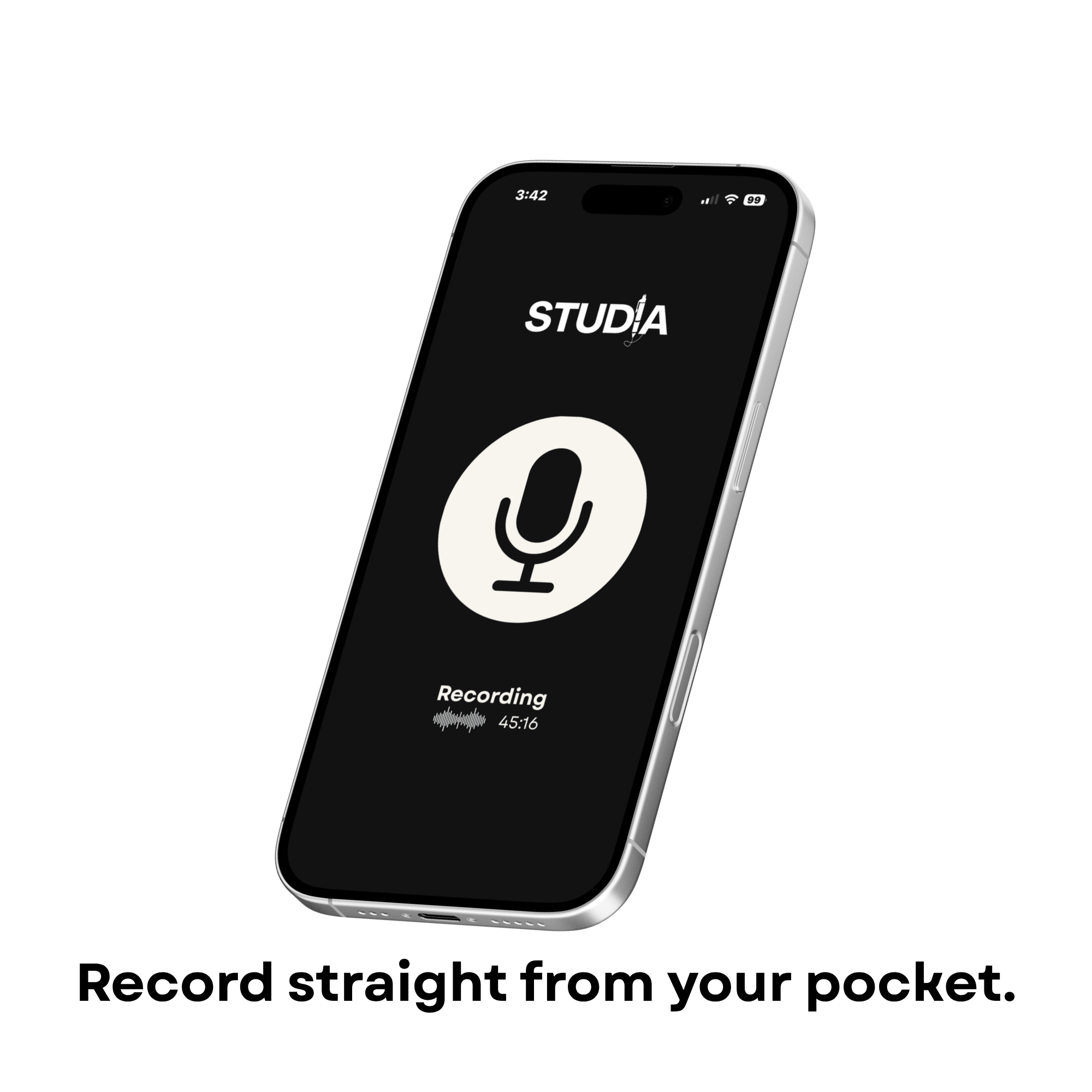
Record a lecture straight from your pocket, or upload any audio or video file. Studia smart-transcribes it, fixes what was misheard using context, and turns it into notes, flashcards, quizzes, podcasts and a tutor chat — in any language.
Playback works in every language.
Introducing
Pick grade 6, 7 or 8 and Studia becomes Assisted Studia: the same full workspace, the same depth, written in simpler language with brighter, friendlier colours. Notes, flashcards and quizzes stay complete — they just read easier.
Lecture slides, scanned worksheets, whiteboard photos — Studia reads the content itself.
Start studyingStructured, exam-ready notes generated from your own deck.
Active-recall cards with a focused study mode and mastery tracking.
Practice tests with explanations, results and weak-topic analysis.
Read the original document side by side with your study tools.
Handwriting, diagrams, worksheets and equations are read, not just described.
A tutor grounded in your uploaded deck, with page references.
Full RTL interface and bilingual generation, independently configurable.
Every deck becomes a small study kit you can come back to.
A lecture PDF, a scanned worksheet, a photo of the whiteboard — or record audio with Playback. Studia reads it.
Notes, flashcards or a practice quiz, generated from the actual content.
Run recall sessions, take quizzes and see which topics still need work.
Rated 4.9 by early users
Free to start. Arabic and English, side by side.
Get started free